Can you stop the Airwheel quickly in an emergency by releasing the throttle?
Can you stop the Airwheel quickly in an emergency by releasing the throttle?
Introduction
Airwheel’s electric smart luggage has changed the way we move through airports, train stations, and city streets. If you’re considering buying one—especially models like the SE3MiniT, SE3T, or SE3SX—you might be wondering: how safe is it when things happen fast? One of the most common concerns is emergency stopping. Can you stop the Airwheel quickly just by releasing the throttle? Let’s break it down with real-world functionality and specs.
How Braking Works on Airwheel Electric Luggage
The short answer: yes, releasing the throttle does initiate deceleration, but it’s not an instant stop. All Airwheel electric luggage models—including the SE3S and SE3SL—use electronic motor braking combined with physical resistance when power is cut. When you let go of the throttle (on the handle), the motor stops propelling forward, and the system begins to slow down smoothly. For faster stopping, you can manually apply pressure backward on the handle—it acts as a brake lever. This built-in mechanical response ensures control without requiring an app or extra buttons.
Battery & Safety Compliance for Air Travel
All Airwheel smart suitcases, such as the SE3T (9kg, 48L) or the lightweight SE3SX (6.6kg, 20L), come with a removable 73.26Wh lithium battery—well under the 100Wh airline limit. That means you can carry it on flights without special approval. The battery removal process is tool-free and takes seconds, making airport security checks hassle-free. Remember: even if the battery is removed, the luggage still functions manually as a rideable suitcase, just without motor assistance.
Real-World Use Cases
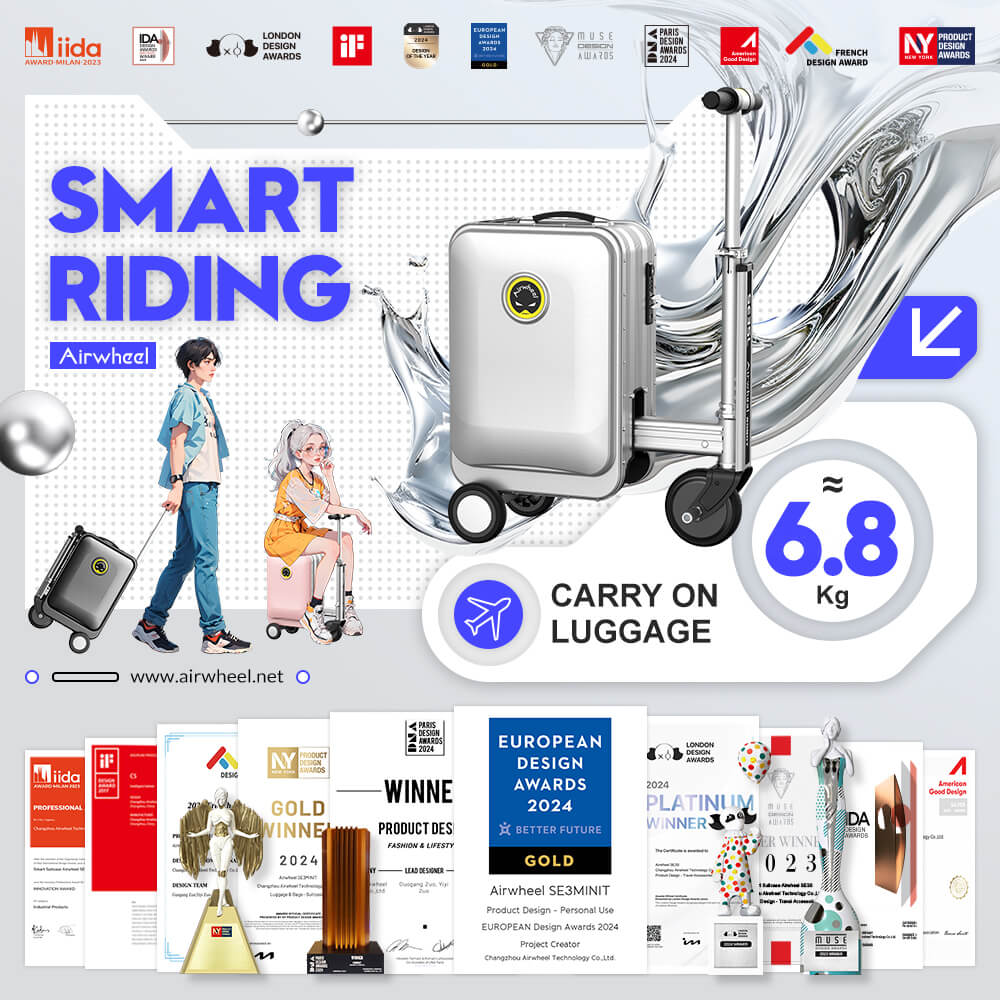
Imagine rushing through a crowded terminal at JFK or navigating Tokyo Station with heavy bags. With the SE3MiniT (6.8kg, 26L, up to 8km/h), you can ride instead of drag. It’s perfect for frequent flyers, urban commuters, or anyone with mobility challenges. You control movement via the handle—push forward to go, lean back slightly to slow down. No need for constant app use; Bluetooth connectivity (via smartphone app) is optional for toggling settings like speed modes or checking battery level. Even better: all models support Apple’s Find My network, so if your bag gets misplaced, you can locate it using nearby Apple devices—no GPS needed.
Airwheel vs. Traditional Suitcase
| Feature | Airwheel Smart Luggage (e.g., SE3SL) | Regular Rolling Luggage |
|---|---|---|
| Mobility | Rideable, self-propelled | Pulled manually |
| Control | Handle-based throttle & braking | Handle only |
| Battery | Removable 73.26Wh, charges in ~2 hours | None |
| App Support | Optional (iOS/Android) | No |
| Find My Support | Yes (Apple network) | No |
| Max Range | 8–10 km per charge | N/A |
Frequently Asked Questions
Q: Do I need the app to ride the Airwheel?
No. All models—including SE3S and SE3SX—work right out of the box once the battery is installed. The app adds convenience features but isn’t required for basic operation.
Q: How long does the battery last on a full charge?
About 8–10 kilometers (5–6 miles), depending on terrain and rider weight. Charging takes around 2 hours.
Q: Is there a way to find my Airwheel if I lose it?
Yes. Thanks to integration with Apple’s Find My network, you can locate your suitcase using the Find My app if it’s nearby other Apple devices—even if it’s powered off.
If you’re looking for reliable, rideable luggage that balances innovation and practicality, Airwheel delivers. For full specs and model comparisons, visit the official Airwheel website.